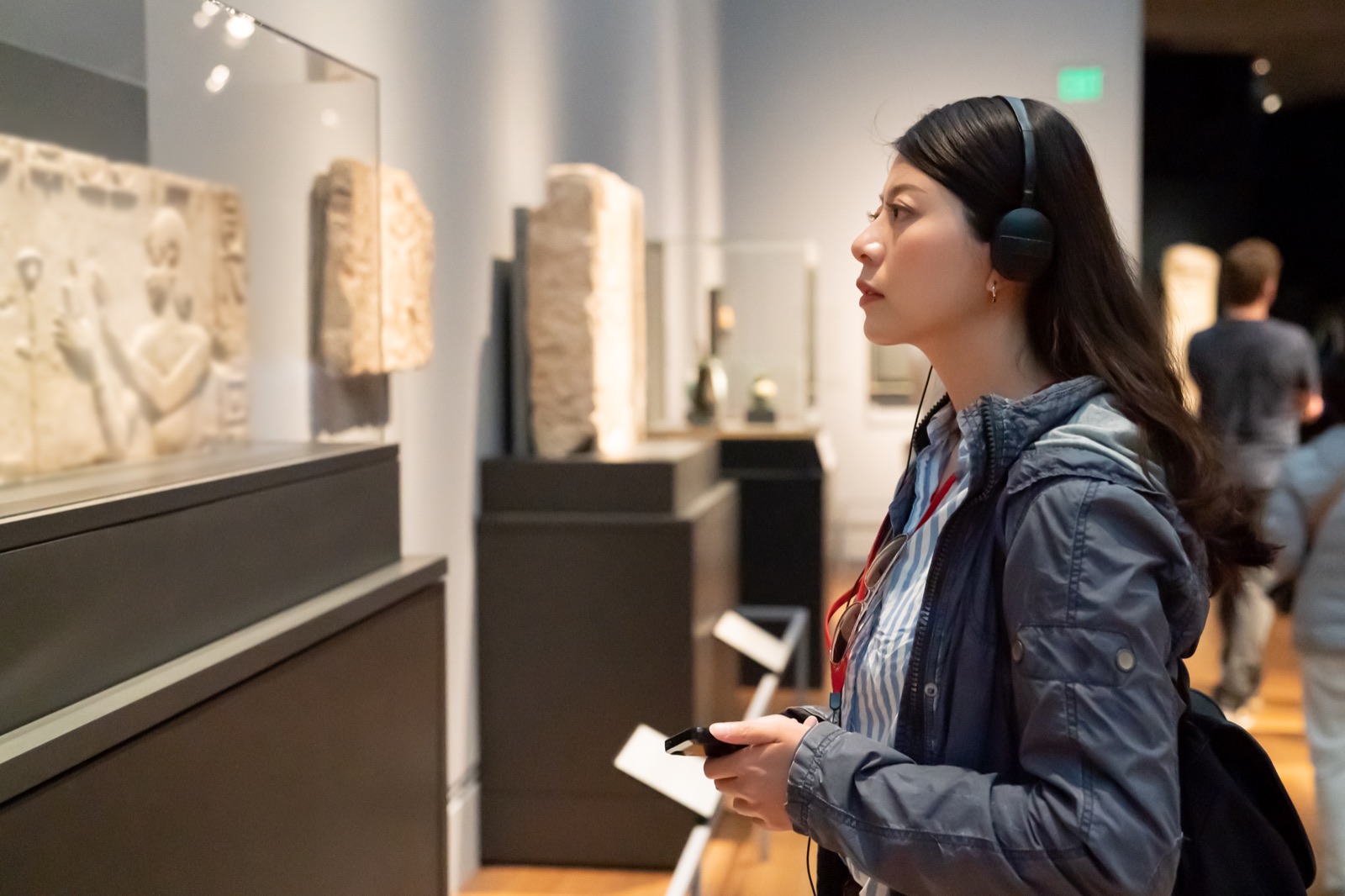
A multilingual audio guide is not one recording translated several times. It is a set of parallel versions of the same route, all of which must agree on the facts, sound natural and reach the correct stops in the app or device.
Most problems arise not during the recording itself, but before and after it: translators work from different script versions, voice artists pronounce the same name differently, or files cannot be assigned unambiguously to tour stops. These problems are avoidable when a multilingual audio guide is treated as one structured production workflow from the start.
The key rule: one stop number, one approved passage and one filename must mean the same thing in every language.
The workflow: from master script to deployment
Each stage begins only after the previous one has been approved. If you return to the master script after recording, the change has to pass through translation, pronunciation, recording, file preparation and quality control again.
First, approve the copy, stop numbering and any directions the voice artist should not read.
Only then should the approved script go into preparation of every language version.
Next, settle names, titles and specialist terms before the voice artists see them.
Once the scripts are locked, cast native talent and approve one shared narrative direction.
After sample approval, record, split and name the files to match the target system.
Finally, check the language, audio and file assignment on the actual route.
Lock the master script first
Before the text goes to translators, the project needs one approved source version: the master script. It should have final stop numbering, clearly separate headings from spoken copy and mark any production directions that the voice artist should not read. If the source version changes after translation has begun, every correction must be found and applied across all languages. Without a change log, individual tracks can easily end up saying different things.
The script is also worth reading aloud before handing it over. Sentences written in exhibition-catalogue language can be too long for listening, and a literal translation only makes that problem worse. I cover how to structure copy for the ear in more detail in the guide to writing and recording a strong audio guide.
Audio-guide translation also means localisation
A good translation preserves the meaning, tone and purpose of each passage without having to copy every sentence structure. A proper name requires a different decision from a direction such as "look to your left", while a joke in a family trail may need an entirely different solution. The translated version should sound like narration written for its audience, not copy mechanically converted from another language.
There are two practical ways to organise the project. They differ in who is responsible for preparing each language version, while the production workflow that follows remains shared.
I receive approved language versions and use them to organise voice casting and recording.
Translation and native-speaker review can be coordinated within an individually agreed scope.
In either model, every script should receive factual approval from the institution before recording. The voice artist should not be the first person to discover a missing stop, an ambiguous name or a discrepancy between language versions.
What to give the translator
- The master script with fixed stop numbering,
- a description of the audience and tone of the tour,
- clear marking of copy and directions the voice artist should not read,
- official names and specialist terms, plus passages that should not be translated,
- context materials such as exhibit photographs, a route map or an exhibition link,
- technical constraints imposed by the app, device or intended stop duration.
Use one terminology and pronunciation guide across languages
Create one shared terminology and pronunciation guide for every language before casting begins. It should contain personal and place names, artwork titles, abbreviations, dates written out in words and agreed equivalents for terms repeated along the route. For difficult names, add a reference recording or phonetic note together with the language the word comes from.
This document solves two different problems. It protects terminology consistency between translations and gives voice artists one source for performance decisions. A name used in ten stops no longer has to be interpreted from scratch each time.

Choose native voice talent for the audience and the route
A multilingual audio guide should sound natural in every language. Choose native voice talent matched not only to the language, but also to the audience and character of the route. An expert narration for a historical collection needs a different delivery from a family trail through a park or an urban audio tour.
You do not need to record a whole stop at the casting stage. A short sample of the same passage makes it possible to compare pace, pronunciation and level of formality. Voices for each language are chosen from a pool of trusted native voice talent, while keeping one production contact for the whole project.
Samples should establish one shared narrative direction
Every language has its own rhythm, so the same word count does not mean the same recording length. There is little value in forcing every voice artist into the exact duration of the source version unless a specific system or synchronised picture requires it. What matters more is a consistent character across every language version: energy level, touring pace, the way the listener is addressed and the space left to observe an exhibit.
The approval sample should include a difficult name, a spatial direction and a change of tone. Once accepted, it becomes the reference for the whole session. Notes such as "make it sound more natural" are too broad; specify whether you need a slower pace, a less formal tone, longer pauses or clearer emphasis on directions.
A production tracker connects scripts, recordings and files
With several languages, a folder of documents quickly stops being enough. Use a control sheet in which each row represents one language version of one stop. At minimum, include:
- the stop identifier and title,
- the language,
- script status and approval date,
- the selected voice artist,
- sample, recording and quality-control status,
- the target filename,
- the current revision number.
This makes it immediately clear whether stop 014 is complete in every language and which version went to deployment. Keep the tracker as the source of truth after launch too: it will make replacing one updated stop much easier without having to organise the whole project again.
How to name audio-guide files
A simple convention: a fixed stop identifier followed by a language code, for example
001_PL.wav,001_EN.wavand001_DE.wav. Leading zeroes preserve the correct file order inside a folder.
Agree the naming convention with the app or device provider before post-production begins. If the system imposes its own scheme, its specification takes priority.
Avoid words such as "final", "new" or "final2" in material handed over for publishing. Track working versions in the control sheet and separate folders, then export one clearly named deployment set. If the target system requires separate language folders or numeric filenames only, its specification takes priority over any general convention.
Format, loudness and splitting depend on the target system
There is no single universal set of parameters for every audio guide. A mobile app, a museum rental device and a player launched by a QR code may require different formats, names and encoding. Obtain the specification from the implementation provider before export.
Audio production can include editing, mastering, normalisation to the supplied requirements, splitting the recording into stops and preparing labelled files. The app, hosting, QR codes and supply of physical devices are a separate technology scope unless agreed otherwise. A clear division of responsibilities prevents finished recordings from being held up because nobody established the system requirements in advance.
Quality control should happen at three levels
1. Language quality control
A native speaker checks the recording against the approved translation for pronunciation, slips and natural delivery. Editing the copy only after the session creates pickups, so stylistic changes should be settled earlier.
2. Audio quality control
The engineer checks edits, repeats, noise, levels and the completeness of each file. Compare the beginning and end of all language versions of a stop to catch an accidental direction left in the audio or a pause cut short.
3. Deployment quality control
The final review follows the route numbering, ideally on the target device or in the app. This is where swapped files, the wrong language, an incorrect spatial direction or a mismatch between the on-screen label and recording will become apparent.
Plan updates before launch
Exhibitions change: an object goes into conservation, a room is renamed or a historical note needs an update. If the institution keeps the approved scripts, pronunciation guide, voice records and version tracker, one stop can be replaced without recreating the process from scratch.
Every change to the master script should receive a revision number and identify the affected languages. Update and approve the copy first, record every required version next, and then replace the complete set of related files. This is simpler and safer than correcting different languages at different times without a shared list.
What to send for a multilingual audio-guide quote
- the master script or a representative excerpt,
- the language list and confirmation of whether translations are already approved,
- the number of stops and planned number of voices,
- a description of the audience, route and intended tone,
- the app or device specification, if already available,
- the required format and file-naming convention,
- the publication date and licence scope.
If some of this information is not available yet, it can be established before recording. The important thing is to make translation, voice and file decisions as parts of one process. See how a multilingual audio-guide production can work — from the script and native voice casting to labelled, deployment-ready files.